
Begin with the quoted scope and named delivery point.
Record the drawing revision, cabinet and accessory scope, currency, Incoterms® 2020 rule if one is used, and the named place. Ask which party pays each charge and where the quoted price stops. Do not add freight, insurance or import charges a second time when the seller quotation already includes them.
- Product quotation
- Cabinetry, fronts, selected fittings, packaging and any explicit alternatives.
- Trade term and place
- The exact rule, year and named point on the actual contract or quotation.
- Destination and site
- Import, inland movement, receiving, unloading and installation responsibilities.
The International Chamber of Commerce explains that Incoterms® 2020 allocates costs, risk and obligations; its decision checklist recommends clarifying loading, unloading, terminal and customs charges explicitly. The parties and their advisers must confirm how the selected rule applies to the specific transaction.

Enter the amounts you have actually been quoted.
Enter all figures in one currency. For every additional line, either enter an amount—including 0 when it truly does not apply—or mark it as already included in the seller quote. Blank means unknown. The calculator adds figures only; it does not estimate duties, taxes, freight, exchange rates or customs value.
Cost worksheet loading. If scripts are unavailable, use the line-item table below as a manual checklist.
| Line | Ask for | Record |
|---|---|---|
| Product | Seller quotation and included packaging | Amount, currency, revision |
| Origin | Pickup, export handling and documentation | Included or separate |
| Main carriage | Freight and cargo insurance | Included or separate |
| Destination | Terminal, customs service, duties and taxes | Actual quote or adviser estimate |
| Site | Inland delivery, unloading and installation | Included or separate |
One charge should appear once, under the party that pays it.
A trade rule and named point help divide the movement, but quotations can still need more detail. Ask who contracts the carrier, who buys insurance, who handles import formalities and who pays unloading or final site delivery. Keep tax and duty as buyer-supplied amounts verified for the destination and actual product classification; do not copy a generic percentage from another project.
Comparison rule. If a seller quote includes a transport or destination item, tick “Included in seller quote” in the calculator instead of adding that same charge again. If ownership or amount is unresolved, leave it blank; the result will remain a partial subtotal.
Compare quotation scope Review the delivery path Plan the site handoff
Request the missing evidence before approving a budget.
Send the supplier the exact cabinet and hardware scope, destination, selected delivery term and named place, site access conditions and the charges still marked unknown. Reconcile the returned quotation with the same drawing revision. Keep any allowance visibly separate from a fixed offer.
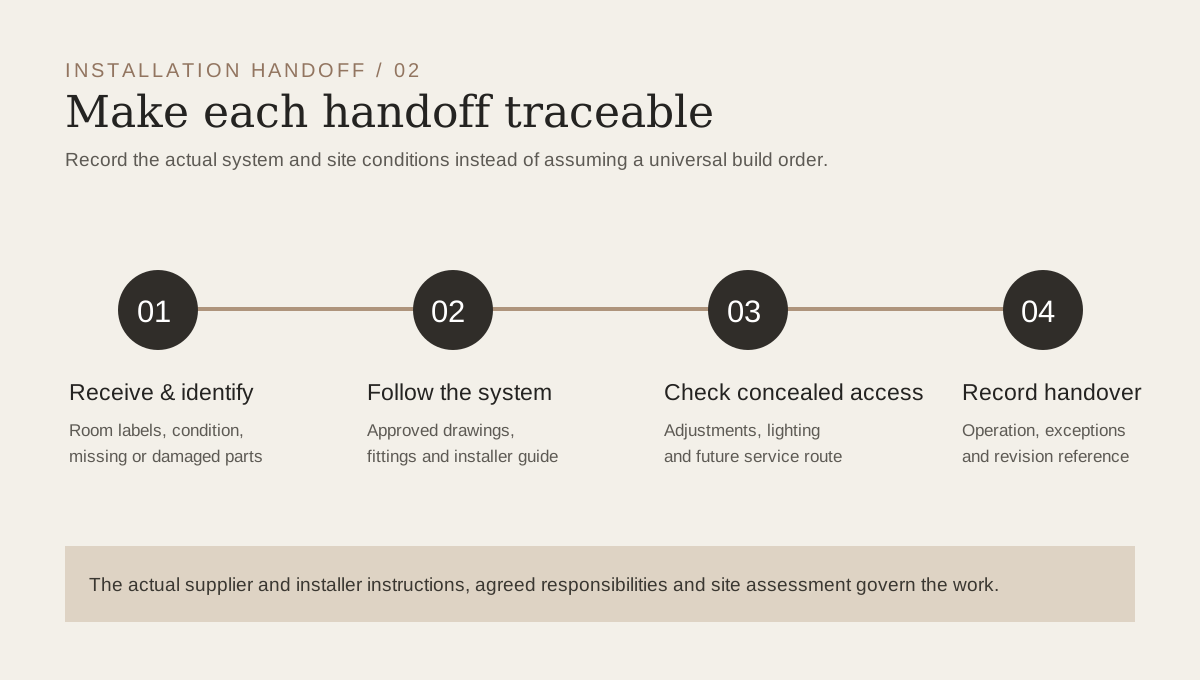
Source and limits. Cost-allocation context is drawn from the International Chamber of Commerce links above; the kitchen image is a design-study reference and the diagrams are original Arcaya editorial explanations. The browser worksheet sends no figures to Arcaya. It is not a quotation, customs calculation, tax advice, exchange-rate conversion or legal interpretation of a trade rule. Project-specific written terms and current professional advice control.